Know where to stand.
PhotoHint stands next to you like a photographer friend: where to stand, how high to hold the phone, which way to turn for the light. One calm hint at a time, with an arrow.
First 5 photos free.
Then $9.99 once. No subscription.
Not how to hold the phone.
Where to stand.
Every hint is something a photographer would say out loud. No words like exposure or composition, just the move that makes the picture better.
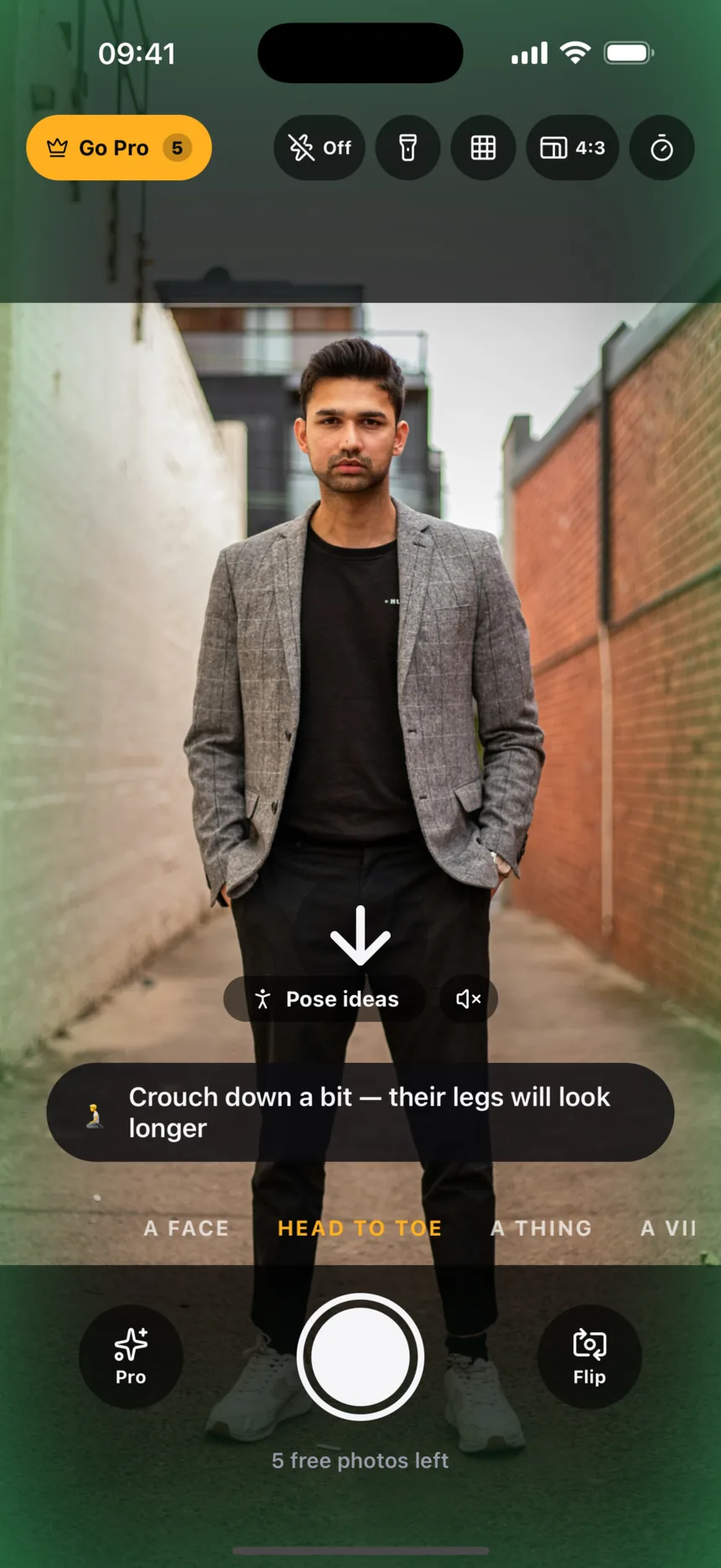
Crouch down a bit — their legs will look longer.
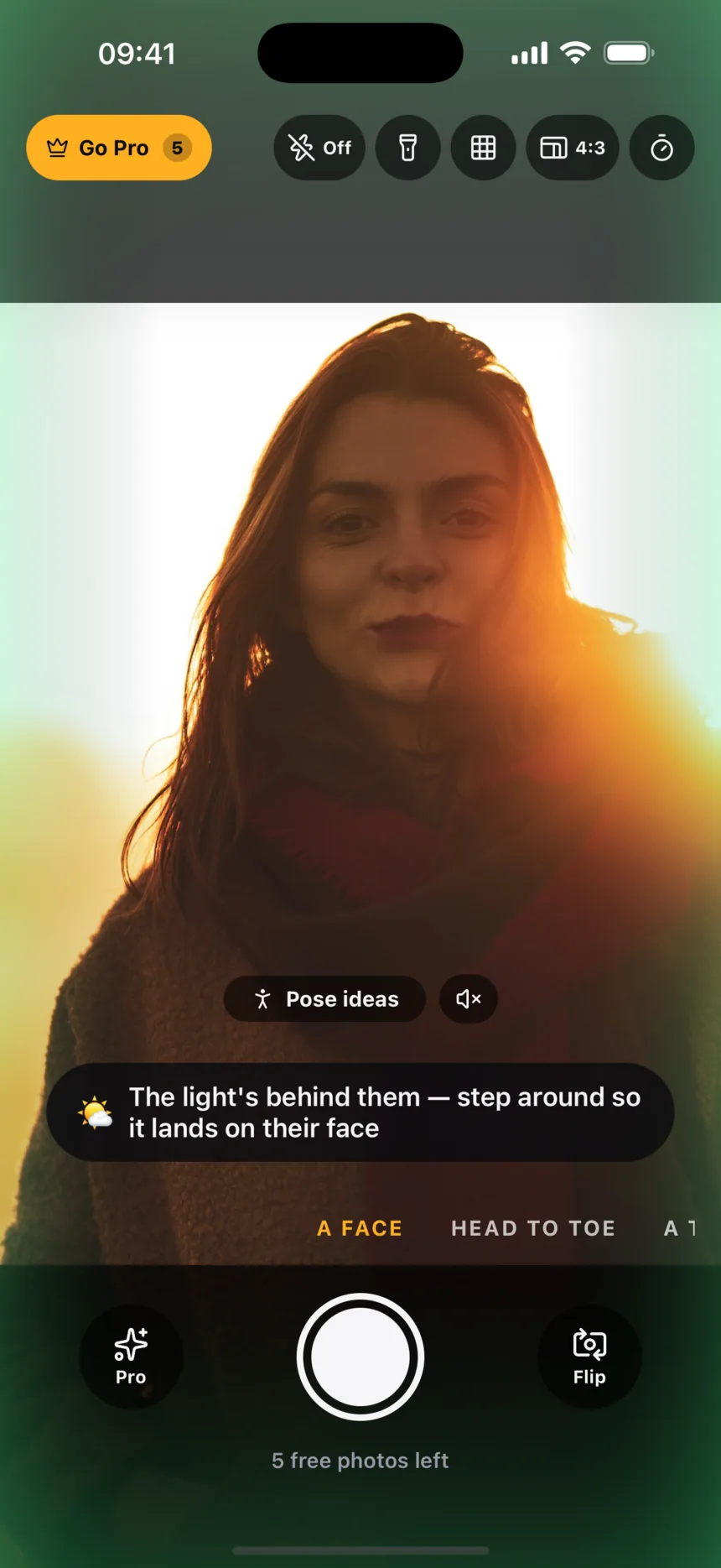
Head to toeThe light’s behind them — step around so it lands on their face.
A face
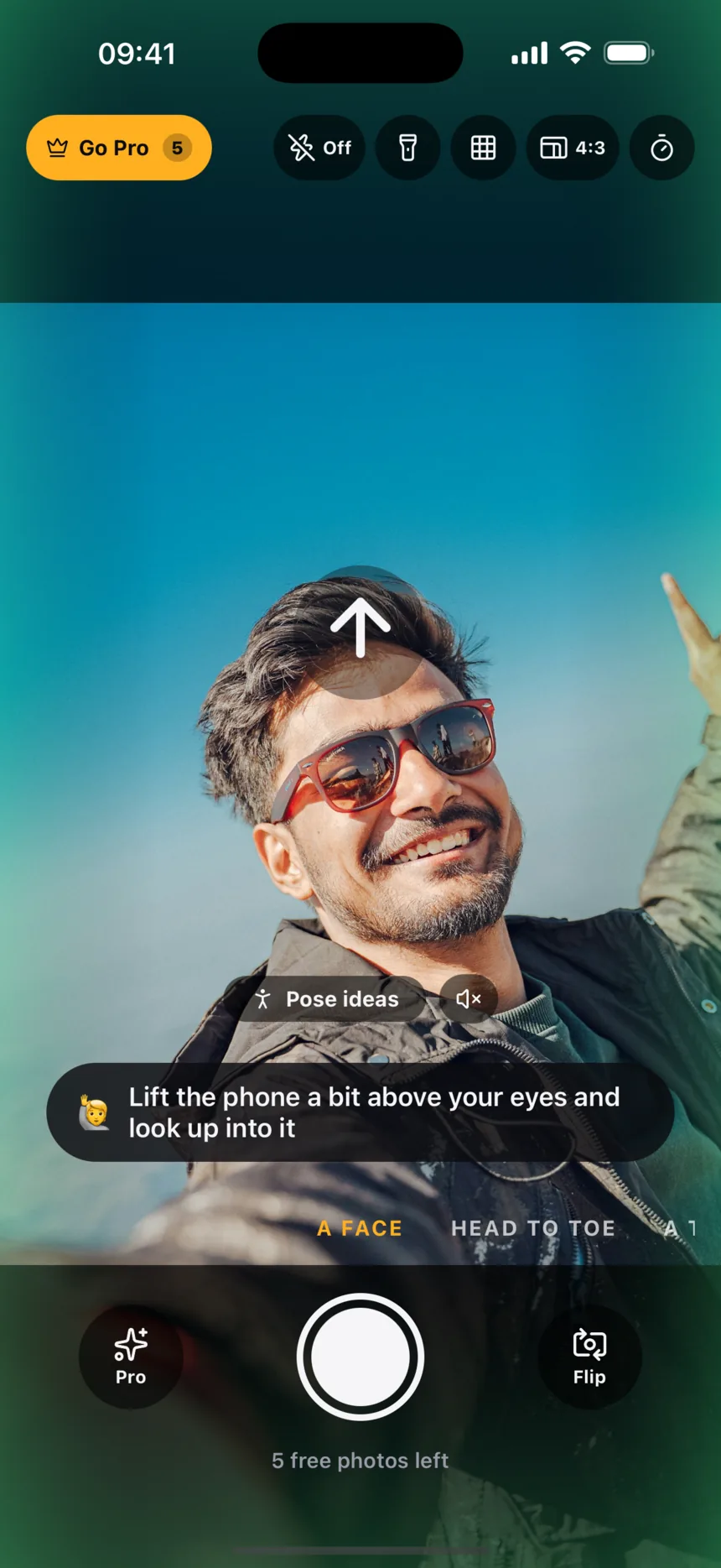
Stretch your arm out — up close, phones make noses look bigger.
SelfieGo all the way over it — halfway looks accidental.
A thing
Pick what you’re photographing.
Each mode has its own idea of where you should be. A face, a whole person, a plate of food and a mountain all want the camera somewhere different.
Camera at their eye level, light on their face.
Never below their eyes, eyes on the upper part of the picture, and it turns you round when the sun is behind them.
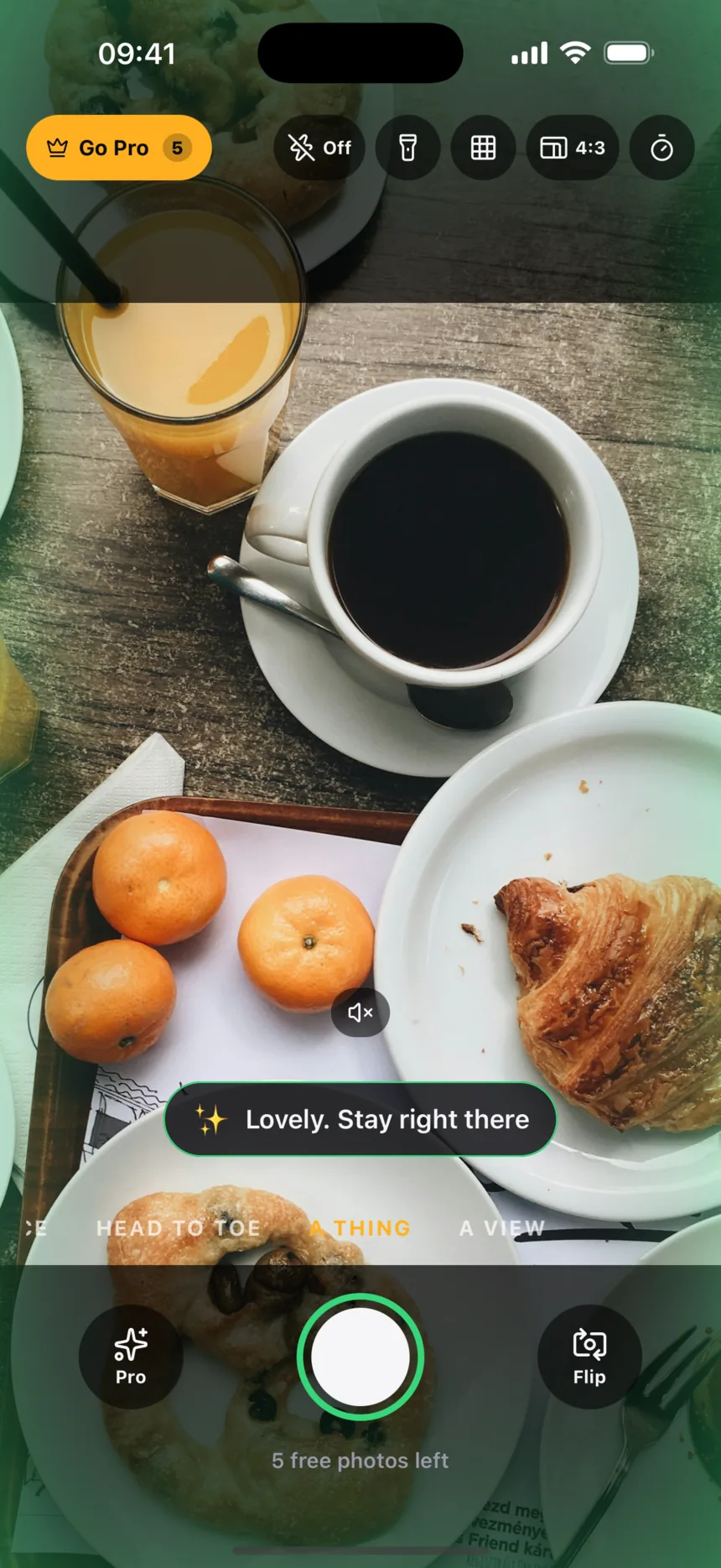
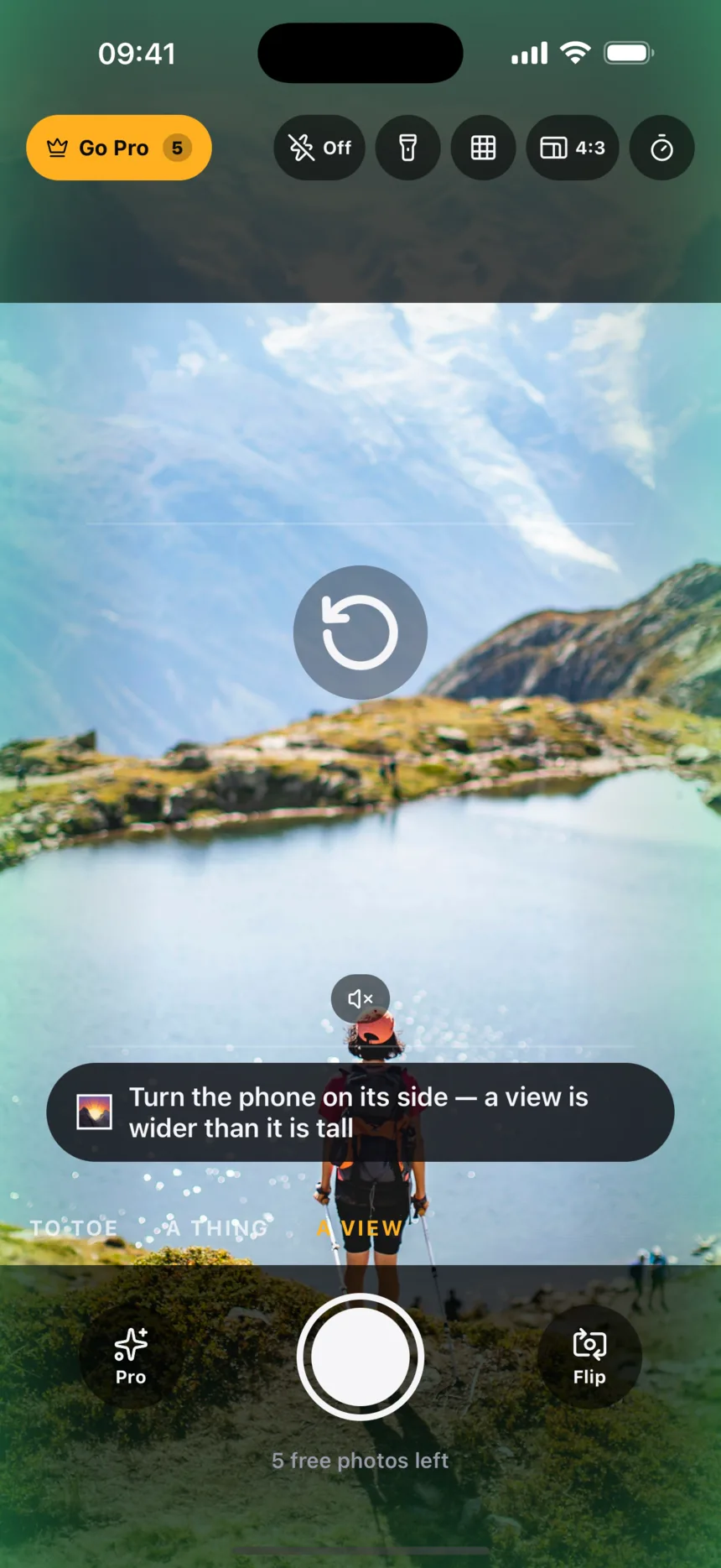
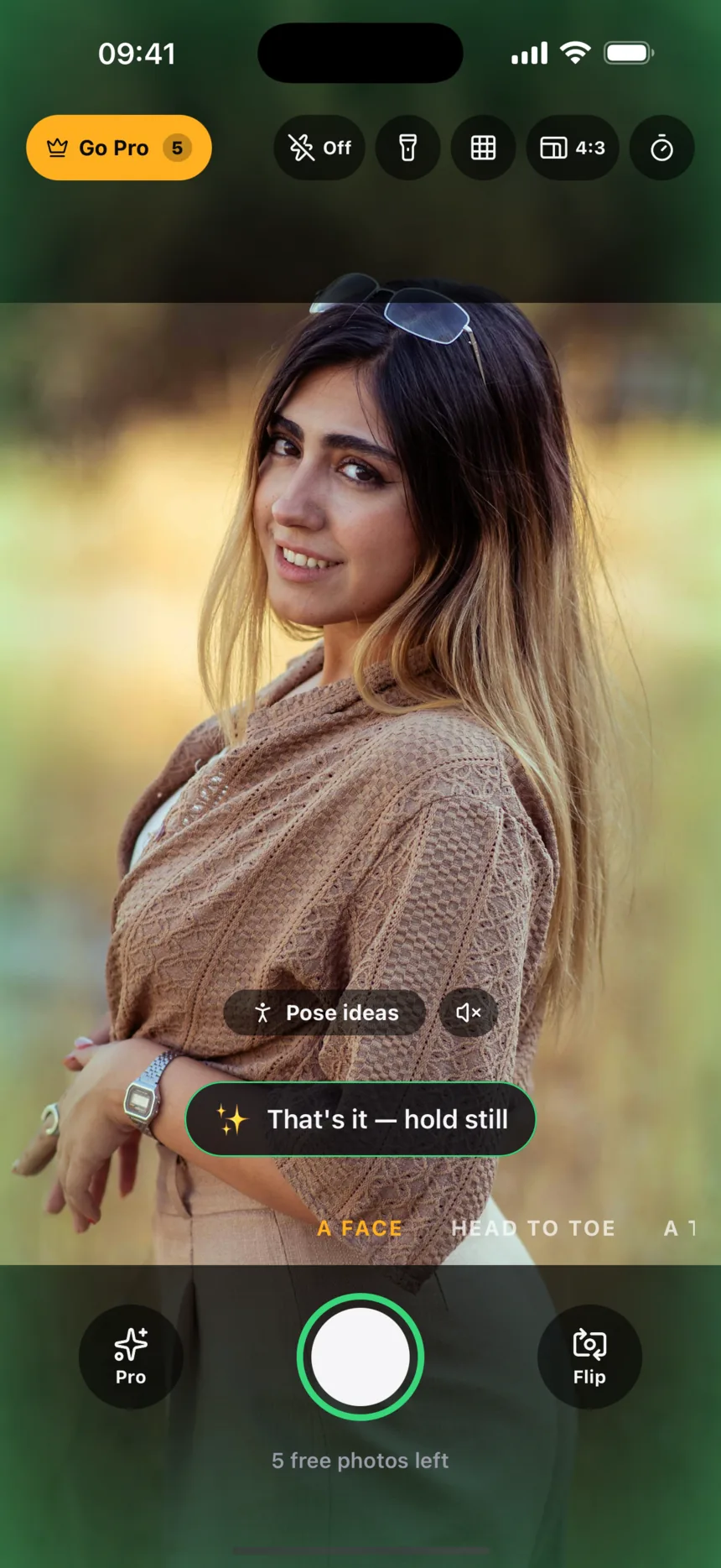
It tells you when it’s right.
- An arrow shows the way. Every hint that has a direction gets one, so you can follow it without reading a word.
- It shows how far. When the phone needs to tip or turn, a bar slides into place and turns green the moment you get there.
- Then it goes quiet. The shutter ring turns green. With Pro, the photo takes itself.
Your photos never leave your phone.
- On your iPhone
- The camera coaching runs on the device. Nothing is uploaded to coach you.
- No account
- No sign-in, no email, no profile.
- No location
- PhotoHint never reads where you are.
Read the privacy policy.
5 photos free.
Then $9.99, once.
No subscription. Your last free photo takes itself when everything is right, so you know what Pro feels like before you pay.
Free
- Your first 5 photos, with every hint
- Flash, zoom, tap to focus, brightness and grid
- Self-timer, 4:3, 16:9 and 1:1, front or back camera
Pro $9.99 once
- Unlimited photos
- Takes the shot itself the moment everything is right
- Pose ideas drawn on the screen for them to step into
- Hints read out loud, so anyone can hold the phone
- Tips reworded for exactly how you’re holding the phone
Questions
Do my photos leave my phone?
No. The coaching runs on your iPhone and photos are saved only to your own photo library. PhotoHint never uploads your camera or your pictures.
Do I need an account?
No. There is no sign-in, and PhotoHint never asks for your name or email.
How many photos are free?
Your first 5. The last free one takes itself the moment everything is right, so you can feel what Pro does. PhotoHint Pro is $9.99 once, with no subscription.
Does it work on iPad?
Yes, on iPhone and iPad. It needs a real device with a camera.
Does it work for selfies?
Yes. Flip to the front camera and the hints change with it, like stretching your arm out so your nose does not look bigger.
What does the AI do?
With Pro, some hints are reworded for exactly how you are holding the phone. Only a short text description of the moment is sent for that, never an image.